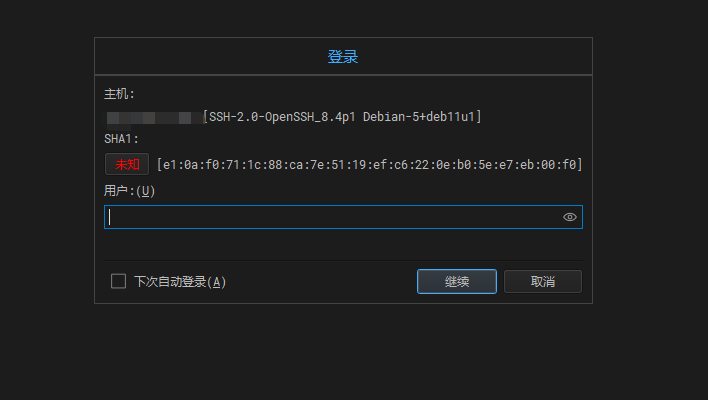
最近要调试新的程序,买了一台服务器安装了pve,虚拟化了几台Debian系统。发现远程连接不了,检测发现ssh服务进程不存在,这就好办了,安装ssh服务再修改配置进行端口转发访问。
更新系统和安装ssh服务
ssh安装完成后,检查运行状态,一般安装完成后都会自动启动。
 1# 开启ssh服务
 2/etc/init.d/ssh start
 3
 4# 关闭ssh服务
 5/etc/init.d/ssh stop
 6
 7# 重启ssh服务
 8/etc/init.d/ssh restart
 9
10# 查看ssh运行状态
11/etc/init.d/ssh status
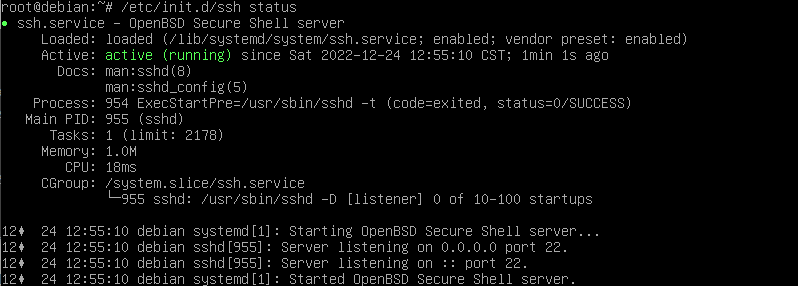
备份bak文件并进行修改配置文件
备份ssh配置文件
1cp /etc/ssh/sshd_config{,.bak}
利用vim编辑器进行对/etc/ssh/sshd_congif配置进行修改
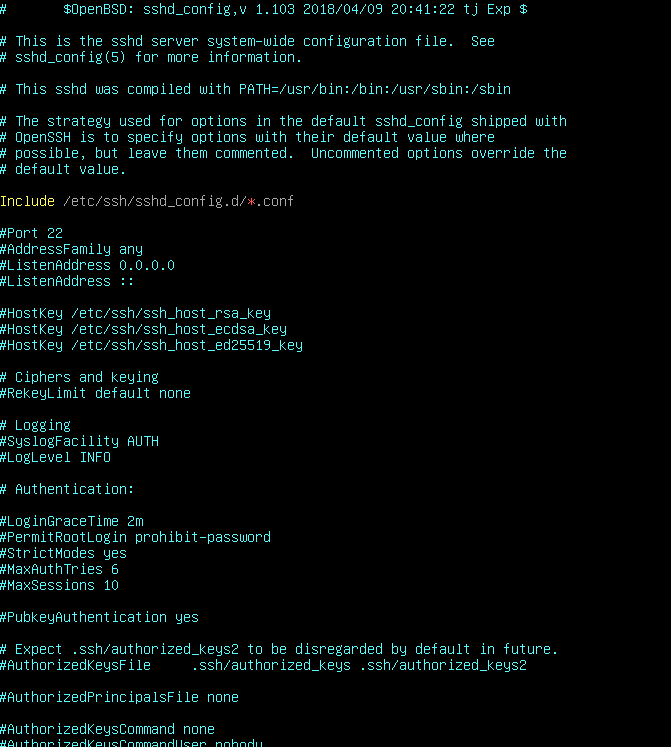
 1Include /etc/ssh/sshd_config.d/*.conf
 2
 3# 访问远程端口
 4Port 22
 5# 允许root登录
 6PermitRootLogin yes
 7# 使用密码认证
 8PasswordAuthentication yes
 9# 是否允许空密码登录
10PermitEmptyPasswords no
11# 密码认证
12ChallengeResponseAuthentication no
13# 身份认证模块
14UsePAM yes
15# x11连接重定向
16X11Forwarding yes
17# 显示上次登录的信息
18PrintMotd no
19# 允许客户端使用变量名
20AcceptEnv LANG LC_*
21# 使用sftp
22Subsystem       sftp    /usr/lib/openssh/sftp-server
查看配置文件,一般都默认开启部分参数。只需要参照上面的参数进行修改就可以了,把#注释去掉就可以开启该功能。yes表示开启该功能,no表示不开启功能,#注释表示禁用该配置。
修改完成保存后,进行重启ssh服务
1/etc/init.d/ssh restart